Two related jobs, one underlying operation. A thumbnail needs the single best frame in a video. A storyboard or contact sheet needs a grid of frames that shows the whole thing at a glance. Both start by pulling stills out at a sensible interval; what differs is what you do next.
This covers finding a thumbnail worth using, building contact sheets that are actually readable, and the platform specifications worth designing around.
Finding a thumbnail frame
Auto-generated thumbnails are poor for a structural reason: the algorithm picks frames that are visually distinctive, not frames that are interesting. Distinctive often means high contrast or lots of motion, which in practice means a blink, a mouth mid-word, or a blur.
Extracting 60 to 100 frames from a ten-minute video gives you a contact sheet you can scan in half a minute. That is enough density to catch every distinct shot without giving you so many options that choosing becomes work.
- 1Extract 60 to 100 frames from your video, as PNG if you plan to add text or graphics afterwards.
- 2Scan the gallery for candidates - clear subject, open expression, no motion blur.
- 3Check for empty space on one side. Thumbnails almost always need somewhere to put text.
- 4Keep three or four candidates rather than one, then compare them at actual display size.
Try FrameRipper - free, no upload
Extract frames from any video directly in your browser. No sign-up, no file size limits.
Open FrameRipperWhat makes a frame work as a thumbnail
The constraint that governs everything is display size. A YouTube thumbnail renders at roughly 210 by 118 pixels in search results and sidebars. That is smaller than most people’s mental image of it, and it means fine detail is not merely reduced - it is gone.
- One clear subject. Two competing focal points read as noise at small size.
- High contrast between subject and background, so the shape survives scaling.
- Faces work, but only with a readable expression - not mid-blink, not mid-word.
- Empty space on one side for text. Text over a busy area is unreadable at any size.
- Nothing important in the bottom-right corner, which the duration badge covers.
- Test at 210 pixels wide before committing. Most thumbnails that fail, fail here.
Platform specifications
A frame extracted from any 720p or better source clears the minimum requirements for all of these comfortably. The vertical formats need cropping rather than upscaling - extract at native resolution and crop into 9:16, which works well from 4K footage and gets tight from 1080p.
| Platform | Recommended size | Ratio | Max file size |
|---|---|---|---|
| YouTube | 1280x720 | 16:9 | 2 MB |
| Instagram feed | 1080x1080 | 1:1 | 30 MB |
| Instagram reels / stories | 1080x1920 | 9:16 | 30 MB |
| TikTok cover | 1080x1920 | 9:16 | - |
| LinkedIn video | 1280x720 | 16:9 | 5 MB |
| Podcast episode art | 3000x3000 | 1:1 | 512 KB |
Contact sheets and storyboards
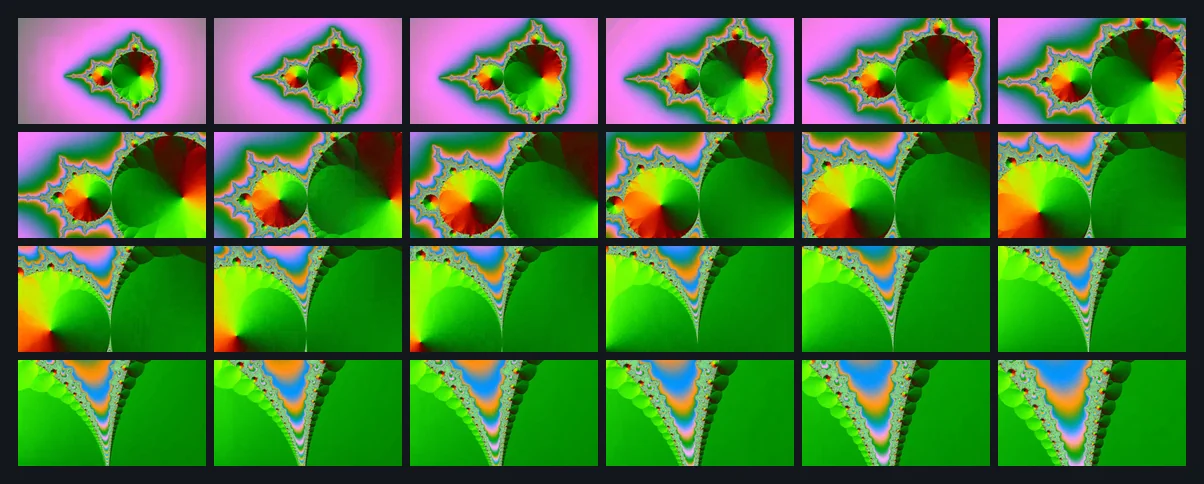
A contact sheet is a grid of stills covering an entire video. It is the fastest way to understand the structure of footage you did not shoot, and a standard tool in editing for finding shot boundaries without scrubbing.
The useful trick is to pick a frame count that fills a tidy grid. 24 frames gives you 6 by 4. 48 gives 8 by 6. 60 gives 10 by 6. An awkward number leaves a ragged final row that makes the sheet harder to read.
Because extracted files are numbered in sequence, most layout tools import them in the correct order automatically. Photoshop has a Contact Sheet II script under File then Automate. Lightroom prints contact sheets natively. For something quicker, most operating systems will print a folder of images as a grid directly from the file browser.
| Grid | Frames | Good for |
|---|---|---|
| 6 x 4 | 24 | Short clips, quick overview |
| 8 x 6 | 48 | Standard storyboard |
| 10 x 6 | 60 | Detailed shot breakdown |
| 12 x 8 | 96 | Long-form structural analysis |
Format choice for thumbnail work
Extract as PNG if you are going to design on top of the frame. Thumbnail work involves repeated saves - add text, adjust, save, come back, tweak, save again - and every JPEG save re-compresses the image. After six or seven rounds the degradation is visible, particularly around any text you have added.
Work in PNG throughout and export to JPEG once at the end. YouTube’s 2 MB ceiling is generous enough that a 1280x720 JPEG at high quality lands well under it.
For contact sheets, JPEG is fine. Nobody is editing a contact sheet, and 96 PNG frames from 4K footage is a lot of disk for a reference document.
A note on using other people’s footage
A frame from someone else’s video is still their copyrighted work, and using one as the thumbnail for your own monetised video is likely to attract a claim.
Where fair use or fair dealing might apply, and the cleaner alternatives, are covered in the guide to frames from YouTube videos.
Try FrameRipper - free, no upload
Extract frames from any video directly in your browser. No sign-up, no file size limits.
Open FrameRipper